When it comes to day-to-day business operations, the last thing you want are connection hiccups that interrupt your workflow. Whether you are in a warehouse space, healthcare facility, or office building, wireless dead zones can be created by physical obstacles or insufficient signal strength, making your job significantly harder than it has to be.
CA C-7 License Number: 1086571

Maximize Your Access Point Coverage Radius
Don’t let poor placement and power hurt your network coverage
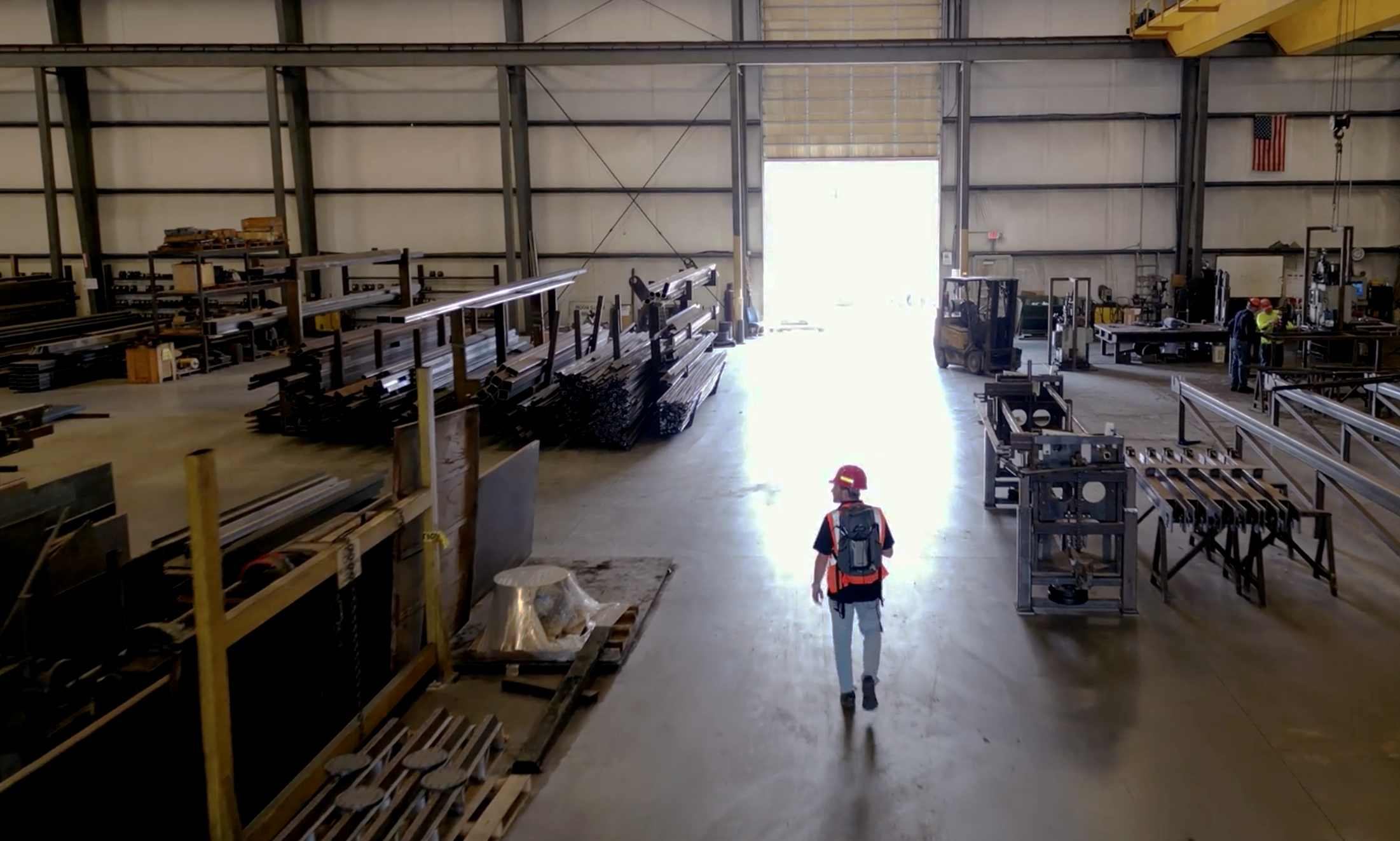
But how do you know what is harming your access point coverage radius?
Let’s start with understanding what an access point coverage radius looks like and why it’s essential to optimize.
Access point coverage radius is the area within which devices can connect to an access point and receive a strong and reliable Wi-Fi signal. Several factors influence this coverage radius, including signal strength, noise, physical obstructions, interference from other devices, and network capacity.
Signal strength plays a significant role in determining the coverage radius. It is the first thing to look at when understanding how much coverage an access point, or AP, is actually providing. It is also dependent on the configured transmit power levels. Physical obstructions can reduce the coverage radius, while interference can degrade the quality of the connection.
Generally, the higher the transmit power, the larger the coverage area. If it is a free space or open area, an AP at a low to medium transmit power threshold still may be able to cover a wide area. You start running into coverage issues when facing attenuation from physical obstructions. There may be generally good coverage but problematic connection due to interference from other devices, including radio frequency interferers (RFIs) or co-channel interference (CCI) from neighboring APs.
These are common examples of RFIs:
- Wireless headsets
- Baby monitors
- Motion sensors
- Signal generators
- Game controllers
- Drones
- Microwave ovens
- Audio transmitters
- Bluetooth
- Wi-Fi jammers
- Radars
- Microphones
- Wireless cameras
Below is a heat map that shows the location of each access point and the strength of coverage in the respective areas, as represented by the color guide.

Network capacity, on the other hand, refers to the maximum number of devices an access point can support simultaneously without affecting performance. Some common device types are laptops, smartphones, tablets, cameras, printers, mobile computers, and barcode scanners. We must also account for the type of applications these devices will be utilizing such as e-mail, web browsing, file sharing, voice calls (VoIP), video conference calling (Microsoft Teams, WebEx, Google Meets), or streaming.
Proper placement and density of access points are also critical to ensure optimal coverage. Too few access points may result in dead zones, while too many can cause interference. APs should be placed away from other electronic devices and sources of interference and further away from physical obstructions. The placements of APs shouldn’t be too close nor too far from one another.
The best way to achieve optimal coverage is to experiment with multiple access point placements with the help of a site visit to perform an onsite survey/spot-check to determine physical mounting locations, physical obstructions, mounting heights, potential sources of interference, determine the type of devices as well as capacity/density, and to determine the best type of antenna to use if needed.
You can also have too many cooks in the kitchen in terms of the number of access points and their strengths. Too much power can cause excessive contention with other access points, reducing the quality. On the other hand, too little power can result in weak signals and limited coverage which degrades the wireless network performance. Always consider your least capable most important (LCMI) device when determining the best transmit power for your design. Also, think of secondary coverage as part of the AP coverage radius. The purpose of secondary coverage is to provide redundancy at the AP level, account for client capacity, and provide seamless roaming.
When looking at all aspects of wireless from design to configured transmit power to interference, we aim to achieve a high signal-to-noise ratio for the overall quality of the wireless network performance.
Strategies to Maximize Access Point Coverage Radius
Maximizing your access point coverage radius requires careful planning and implementation. Here are some strategies you can employ:
- Site Survey: Conduct a thorough site survey to identify optimal locations for access points. This survey should consider factors like facility layout, potential sources of interference, and user density.
- Selecting Access Points and Antennas: Choose the right access point models and antennas that suit your environment. Different models offer varying coverage radii, and certain antennas can provide more directional coverage.
- Transmit Power Settings: Adjust the transmit power settings of your access points to optimize coverage and minimize interference.
- Channel Planning: Implement proper channel planning to reduce co-channel interference, which can limit your coverage radius.
Solutions for Improved Access Point Coverage
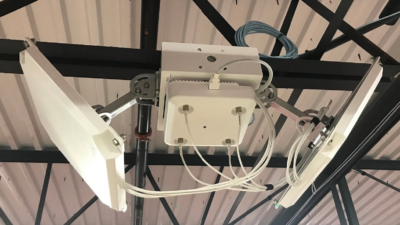
Our partner AccelTex Solutions offers a range of products and services designed to enhance your access point coverage radius. Their high-performance outdoor/indoor antennas, like the one circled below, can extend your coverage area, while their mounting solutions ensure optimal access point placement in even the tallest of structures. They also offer custom-designed enclosures for challenging environments, like harsh temperatures and windy weather. These solutions have been successfully deployed in a number of our real-world projects by our gurus.

Best Practices for Ongoing Access Point Coverage Optimization
Optimizing your access point coverage radius is not a one-time task but requires ongoing monitoring and tuning. Regularly analyze your network performance and adjust access point configurations as needed. Stay informed about new technologies and advancements in wireless networking to leverage them for a zen performance.
In conclusion, optimizing your access point coverage radius is essential for efficient wireless network performance in any environment. Along with help from Acceltex Solutions, Network Zen engineers provide end-to-end solutions to help businesses maximize their coverage radius and improve network performance. A well-planned and optimized network, coupled with balanced power levels, can significantly enhance your wireless network performance, leading to better connectivity and peace of mind.
Drop us a line for expert assistance in implementing and managing your network solutions.
SPONSORED BY